Showcase your next
product demo
with Open Screen.
Professional screen recordings with zoom effects, annotations, and beautiful backgrounds.
Free Open Source No Account Required
If macOS says 'App is damaged', run this command
xattr -rd com.apple.quarantine /Applications/Openscreen.app 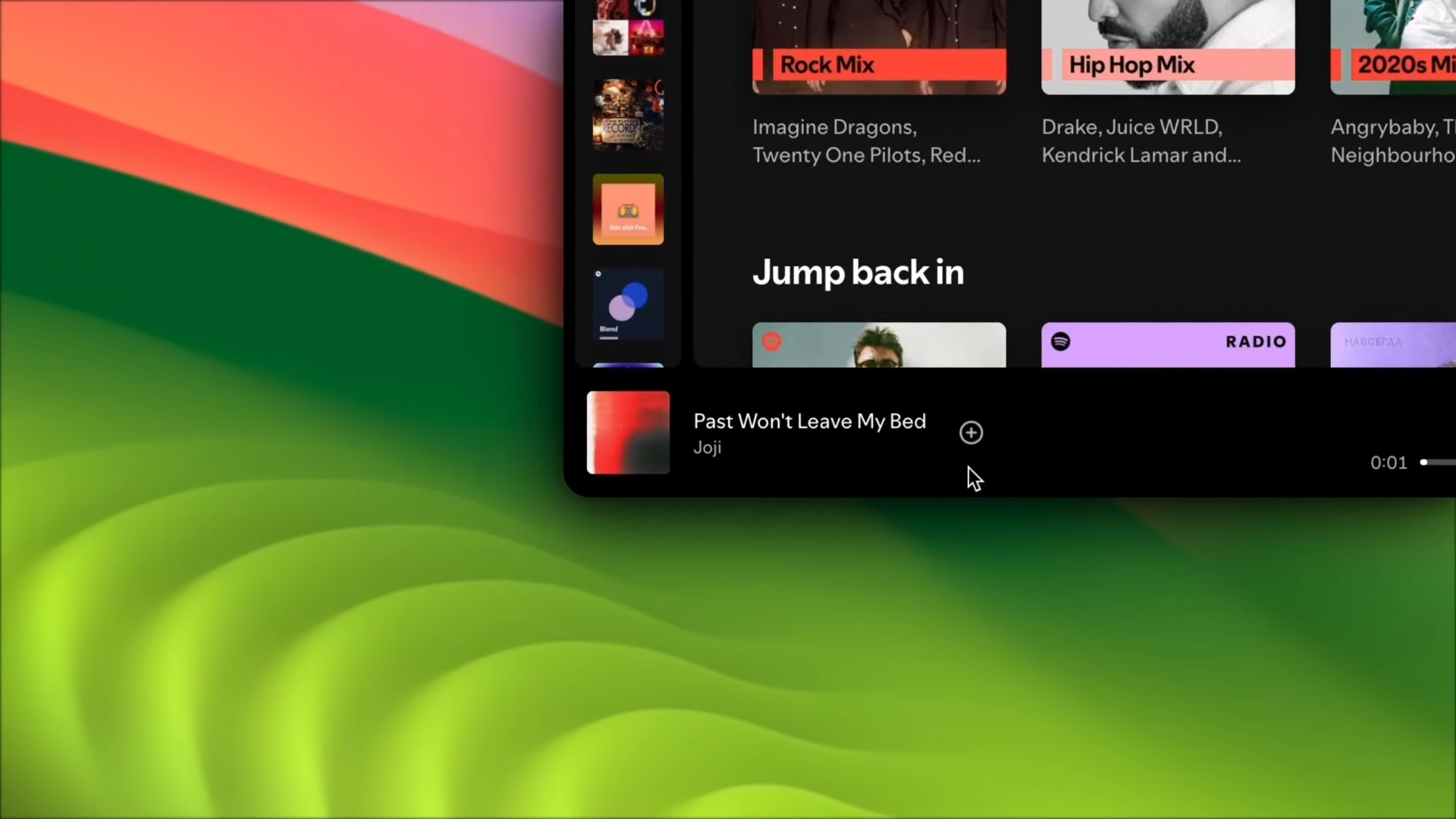
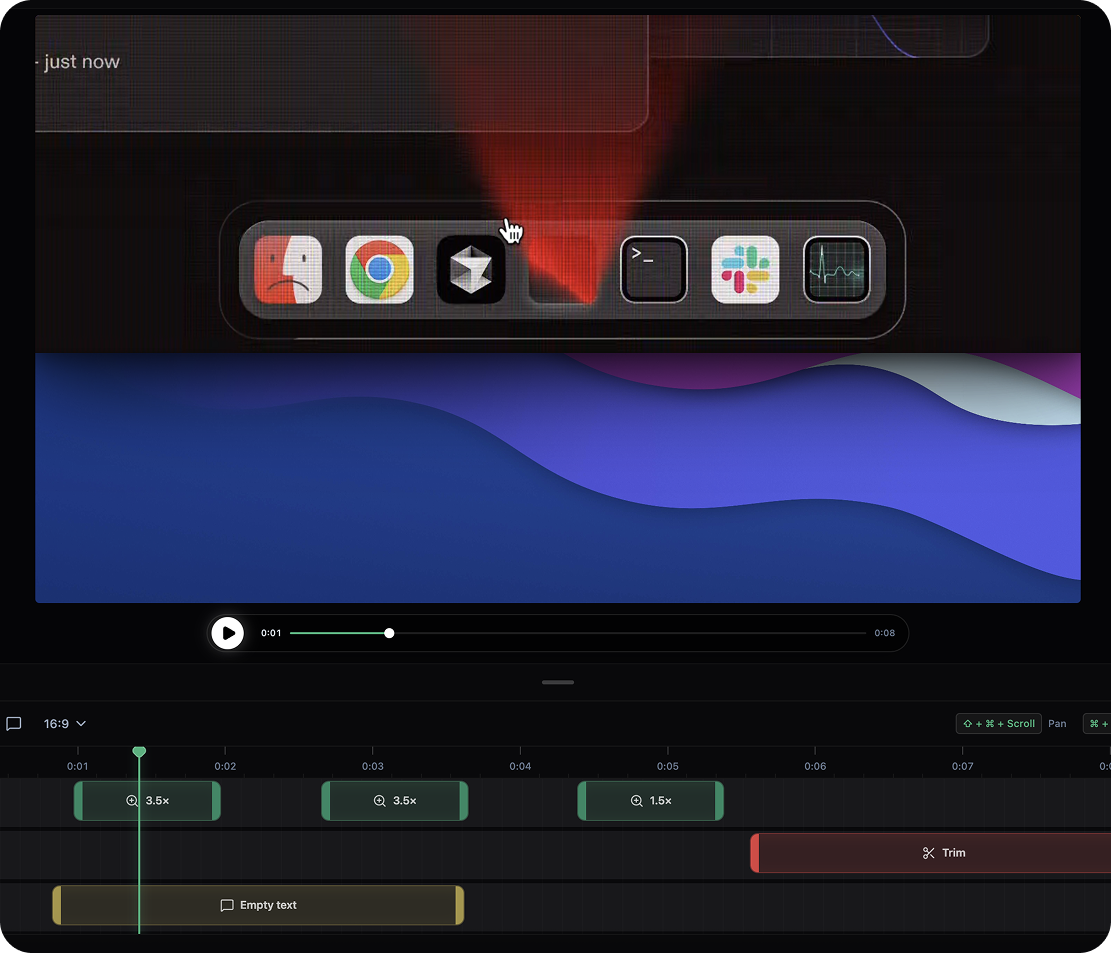
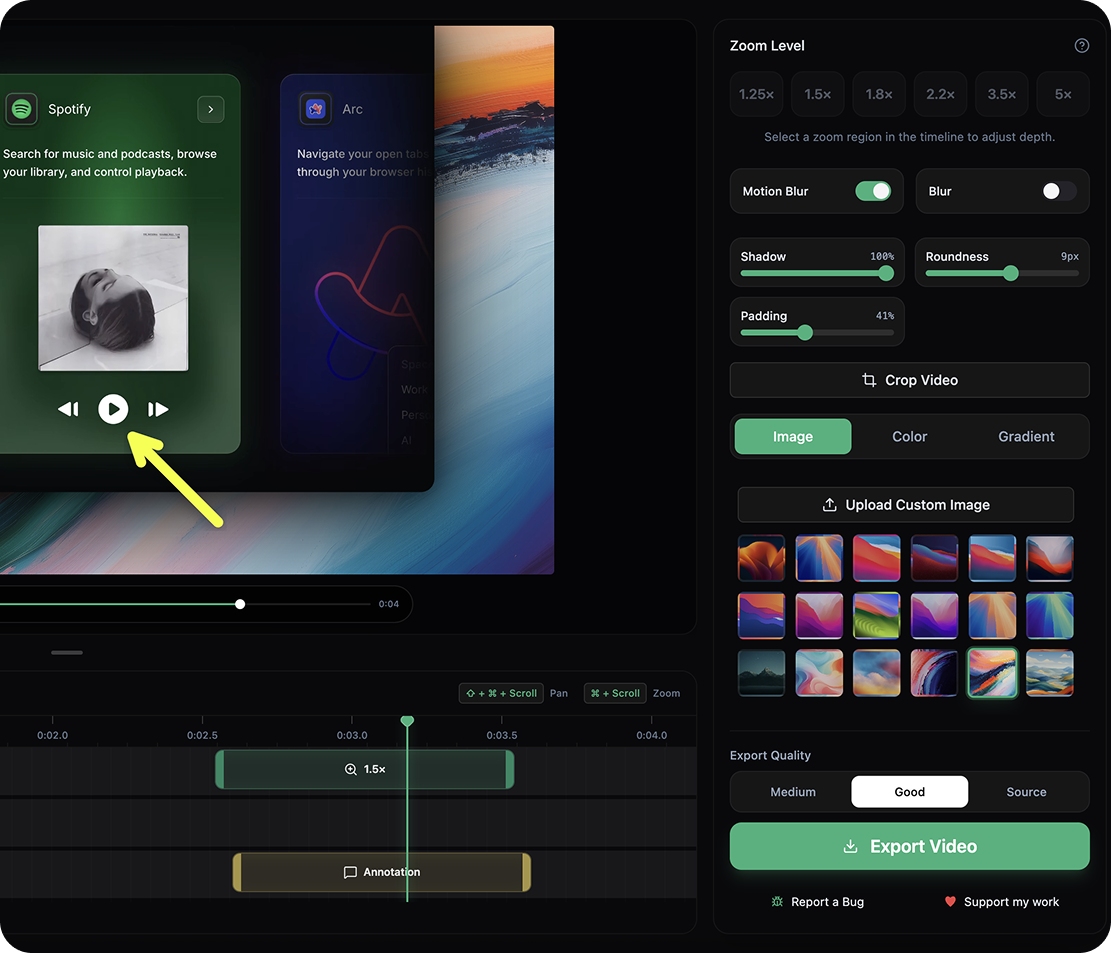
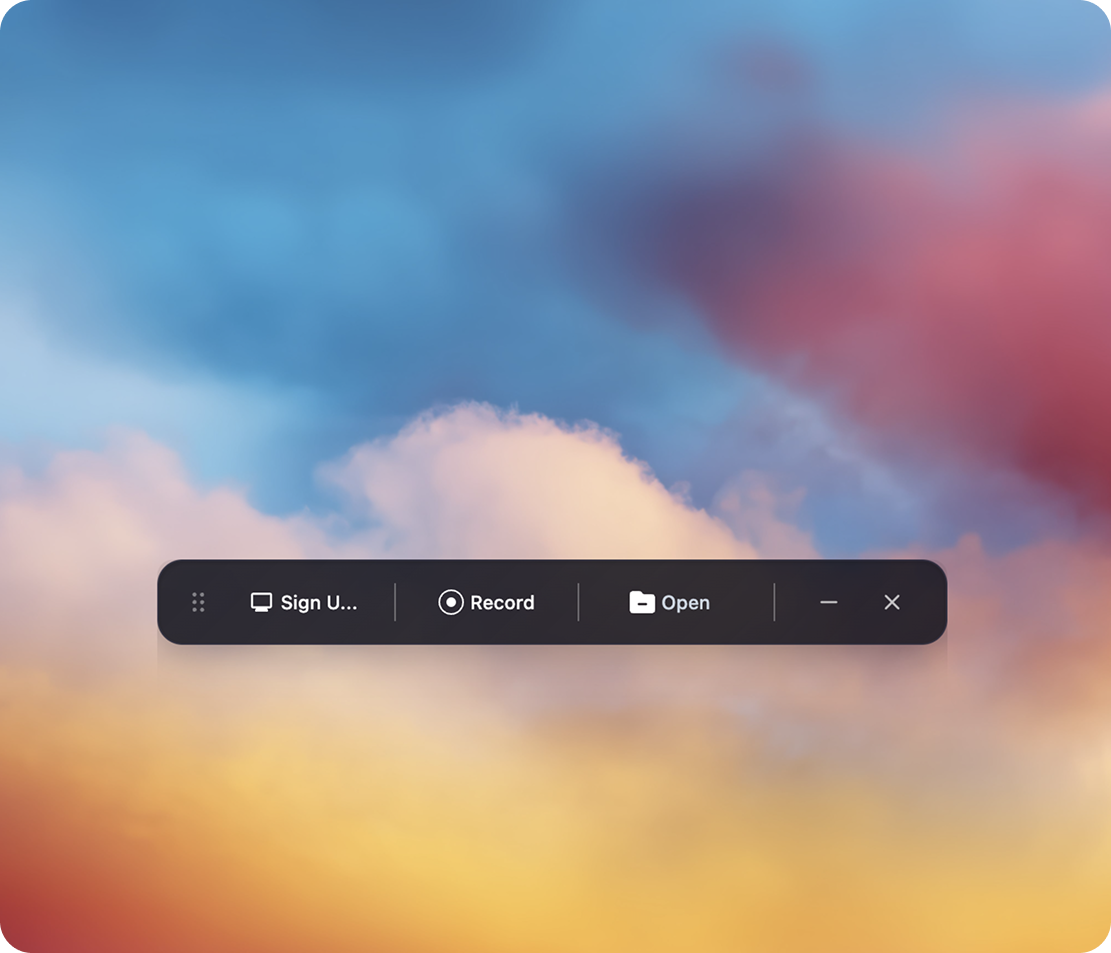
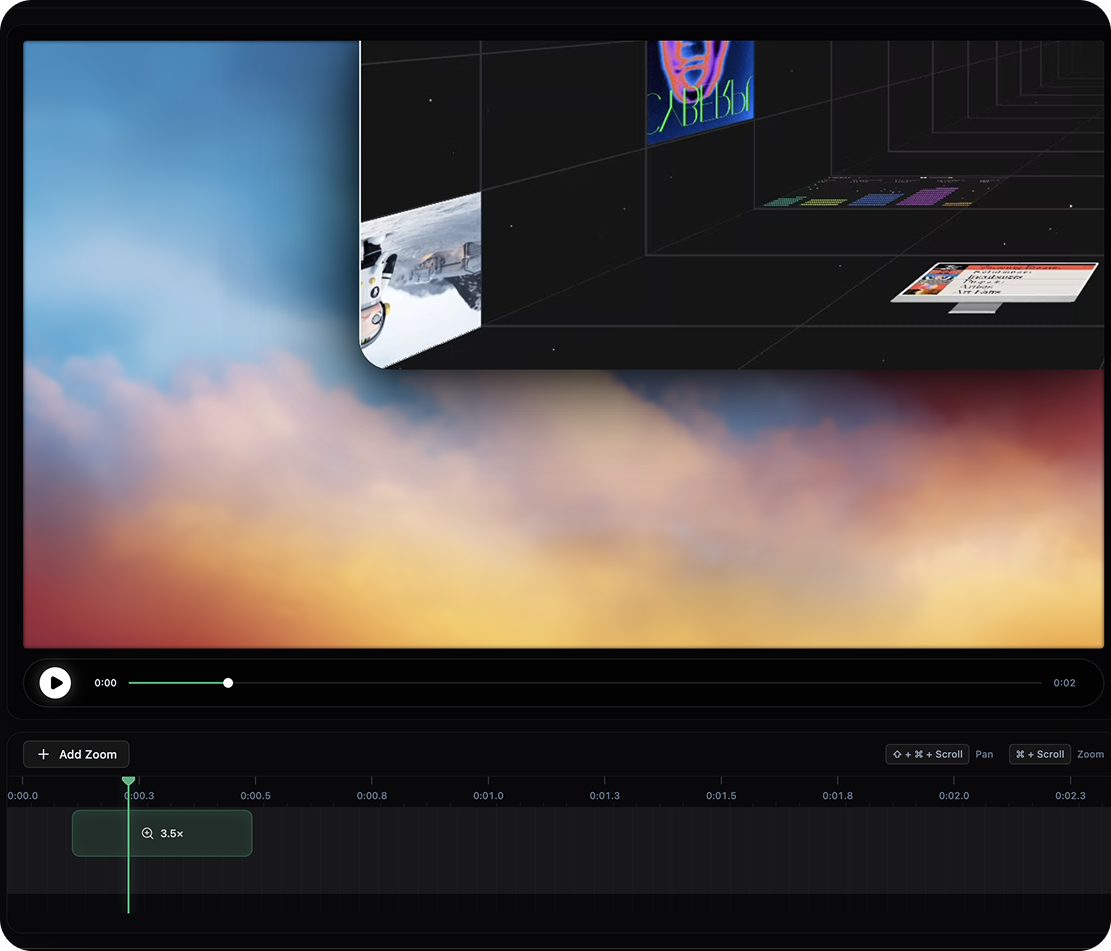
See it in action
A clean, intuitive interface designed for focus and speed.
Everything you need
Powerful features to create professional screen recordings.
Screen Recording
Record your screen with a single click. Capture crystal-clear footage every time.
Auto Zoom
Automatic zoom effects that follow your cursor, highlighting key actions.
Beautiful Backgrounds
Choose from a curated collection of stunning wallpapers for your recordings.
Annotations
Add text, arrows, and highlights to make your recordings more informative.
Export Options
Export your recordings as MP4, GIF, or WebM with customizable quality settings.
No Watermark
Completely free with no watermarks. Your recordings, your brand.
Frequently Asked Questions
Yes! Open Screen is completely free and open source. There are no hidden fees, subscriptions, or premium tiers. You get all features at no cost.
Yes, Open Screen automatically follows your cursor and creates smooth zoom effects to highlight important actions during your screen recordings.
Absolutely. Open Screen is licensed under an open-source license that allows commercial use. You can use your recordings for any purpose without restrictions.
You can record your screen, add auto-zoom effects, choose beautiful backgrounds, add annotations, and export your recordings as MP4, GIF, or WebM files.
Yes. All recordings are processed locally on your device. No data is sent to any server. Your recordings stay private and secure on your machine.
Open Screen needs screen recording permission to capture your screen. On macOS, you can grant this in System Settings > Privacy & Security > Screen Recording.
This is a common macOS Gatekeeper message for apps downloaded outside the App Store. To fix this, go to System Settings > Privacy & Security and click 'Open Anyway' next to the security warning.
Yes! Open Screen is actively maintained and developed. We regularly release updates with new features, improvements, and bug fixes.